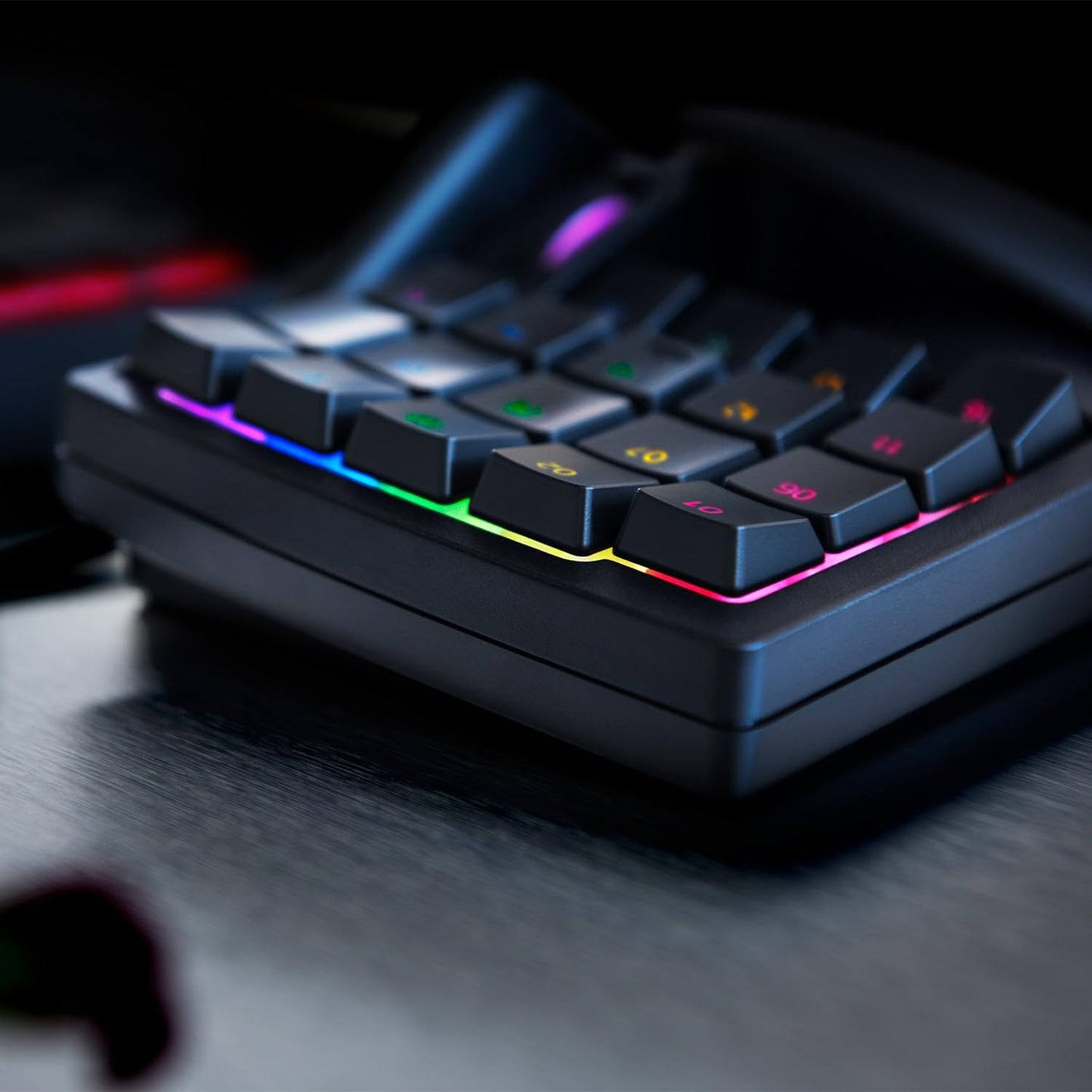
Razer Tartarus V2 - Gaming Keypad (32 Fully Programmable Keys, Ergonomic Form with Detachable Palm Rest, Hypershift Functionality, Chroma RGB Lighting) Black
Couldn't load pickup availability
Product Description
When you’re in the center of the battlefield, it’s crucial to be able to do everything in a flash, whether it’s casting spells or activating abilities. With the Razer Tartarus V2, you can combine commands and abilities, and activate them instantly, all within the palm of your hand. The Razer Tartarus V2 provides infinite commands at your fingertips, thanks to its 32 programmable mecha-membrane keys, including an 8-way directional thumbpad and a 3-way mouse scroll wheel. It also features individually programmable backlit keys with 16.8 million possibilities, all easily configurable with Razer Synapse. Thanks to its improved ergonomic shape and adjustable two-position palm rest, you’ll get the exact angle for all the comfort you’ll need.
Box Contains
Razer Tartarus V2, Manual
- All-New Razer Mecha-Membrane - The Razer Tartarus V2 combines the soft cushioned touch of a rubber dome with the crisp tactile click of a mechanical switch - Each key is actuated at mid-height for instant response
- 32 Fully Programmable Keys - Arm yourself with a complete arsenal of 32 fully programmable keys for skills, hotkeys and macros right at your fingertips - The 8-way directional thumbpad can also be used for easy movement or to expand commands
- Razer Chroma Customizable Backlighting - With individually programmable backlit keys and 16.8 million colour options - Choose from preloaded lighting effects or create your own unique palette of colours for a gaming experience that’s truly yours - all easily set up through Razer Synapse 3
- Ergonomic Form Factor with Detachable Palm Rest - Thanks to advanced ergonomics, you’ll feel nothing but a comfortable fit whether you’re gaming for an hour or ten - Comes with a detachable palm rest with two adjustable positions to suit your preferred comfort angle
- Razer Hypershift Feature - Begin by binding a button on your keyboard to Hypershift - When clicked and held, you enter “Hypershift mode”, which opens up a secondary set of commands for everything from macros and Windows shortcuts, in addition to your current commands - This doubles your device’s capabilities
- Razer Synapse - Go one step further in customisation with this unified hardware configuration tool - With advanced customisation options, such as assigning macros or customising device lighting, you can transform your gameplay however you want